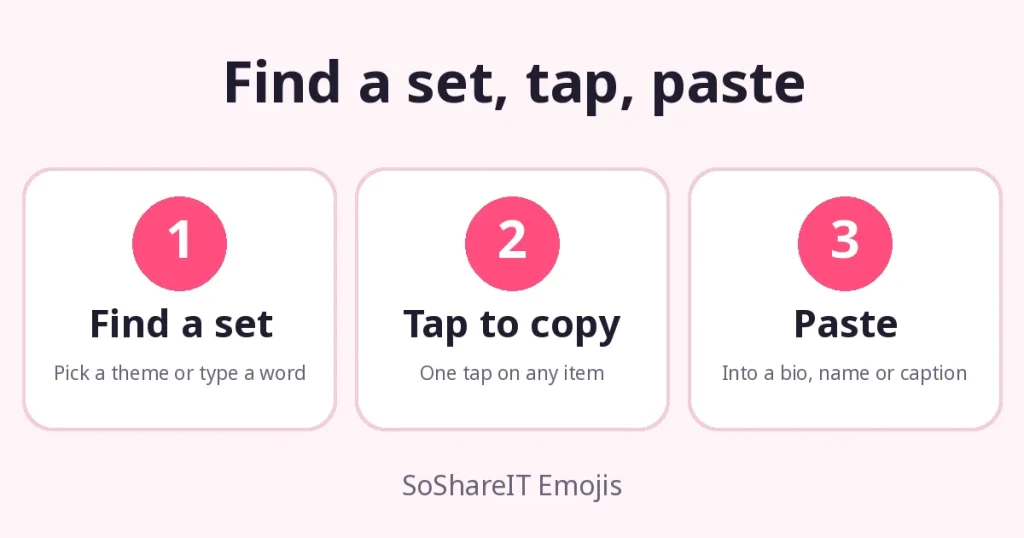
This page explains how to use SoShareIT Emojis: open a set, tap an item and paste it into your app. Every item is plain text, so nothing needs to be installed. Something looks wrong? Tell us on the contact page.
By SoShareIT Emojis editorial team · Last updated: 18 November 2026
Find a set
Start on the home page: sets are grouped by theme, and the Find box and the suggested words (Coquette, Heart, Star, Check mark, Cat, Kawaii, Y2K, Infinity) lead straight to a matching set. The Collections menu in the header lists the same themes, so coquette symbols are one tap away.
What each page does
The pages differ only in where you start and what you pick. The table shows what happens on each one.
| Page | What you pick | What you get |
|---|---|---|
| Home | A suggested word, a theme, or a word typed in the Find box | The list of sets for that theme, plus a short list of items you copied recently |
| Collections menu | A theme such as Coquette Symbols or Cat Symbols | A page of items on that one theme |
| A set page, such as heart symbols | One item, such as a symbol, a combination or a kaomoji | The item is copied as plain text, ready to paste |
The recent list on the home page stays in your browser on your own device.
Copy and paste
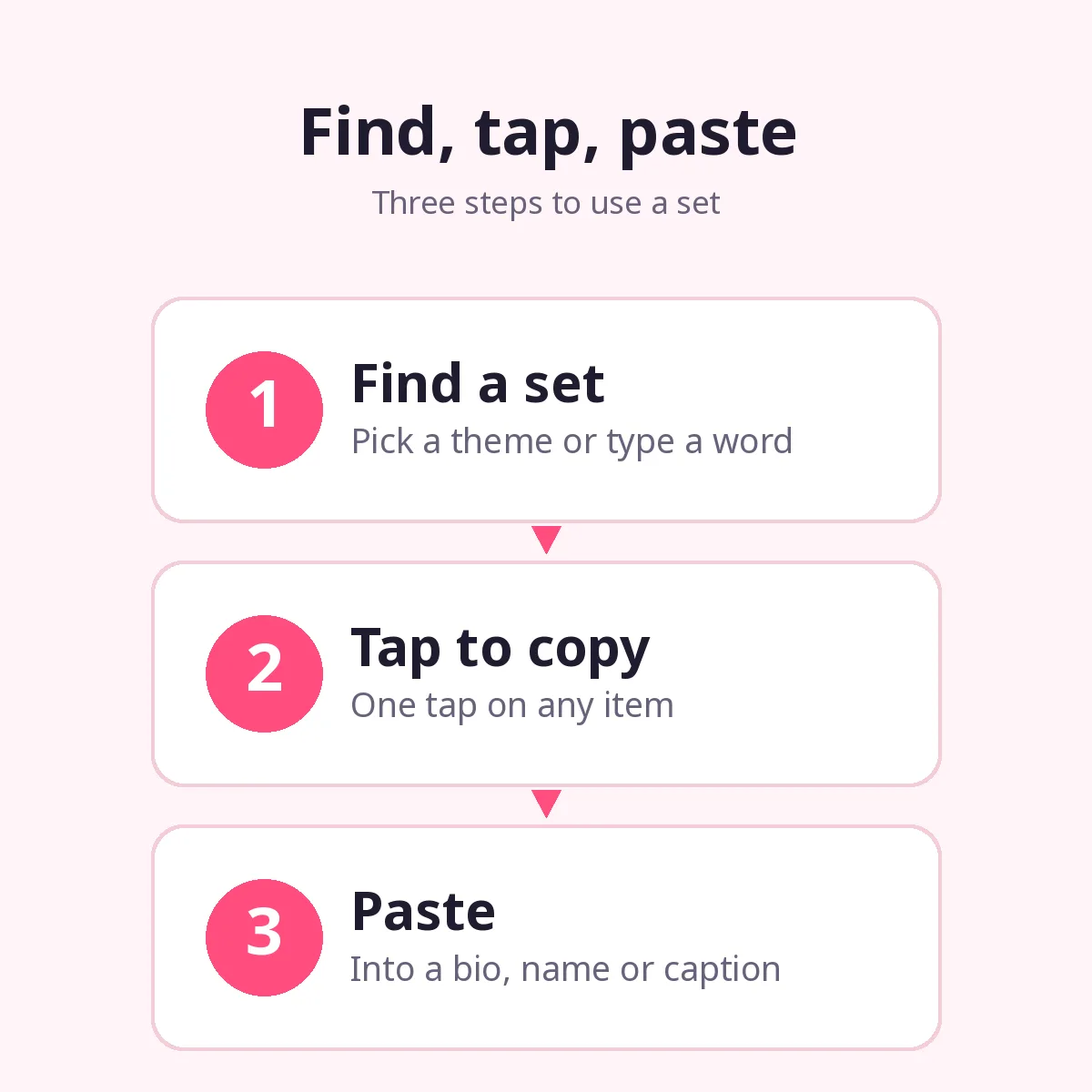
Tap an item, then paste it into a bio, a display name, a caption or a message in any app that accepts text: long-press the field and choose Paste, or use Ctrl+V on a computer. Items are text rather than images, so they take the colour and size of the text around them.
Some characters show as boxes on older devices or are removed by an app, so paste and check before saving.
| What you see | Likely reason | What to try |
|---|---|---|
| An empty box instead of a character | The font on that device has no shape for it | Check the same item on a phone, where font coverage is wider, or pick another item |
| Part of the item disappears after saving | The app filters what a name or username field accepts | Use the item in a bio or caption instead, or choose a shorter one |
To report a character that does not display, use the contact page.