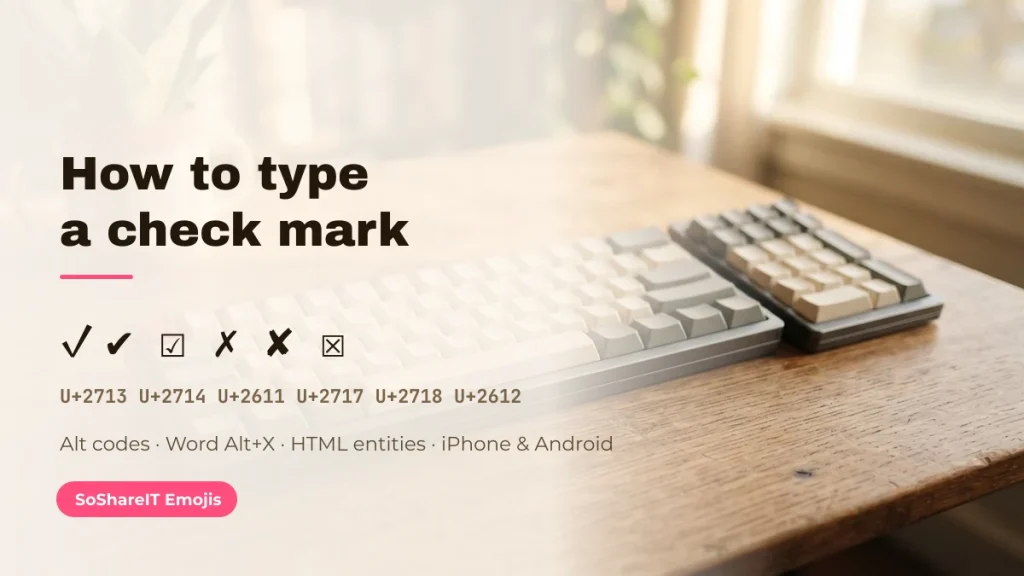
The fastest way to get a check mark is to tap one below and paste it. If you need to type it instead — inside Word, Excel, a form or a document you cannot paste into — the alt codes, keyboard shortcuts and HTML entities for every tick and cross are set out underneath. For the full character list in one table — every tick, cross and box with its code point — see check mark symbols. The text ticks pass a TikTok or Instagram bio and most Roblox and Free Fire names; the green ✅ emoji does not.
Tap to copy. ✓ and ✔ are plain text and take the colour of the surrounding words; ✅ and ❌ are emoji and always render in colour. That difference decides where each one works.
[lwptoc]
Ticks, crosses and boxes pulled live from the character pool — tap any to copy.
Which check mark do you actually want?
There are four distinct characters people call “the check mark”, and picking the wrong one is why a tick sometimes turns green when you did not ask it to, or disappears from a game name.
| Character | Code point | Name | Behaviour |
|---|---|---|---|
| ✓ | U+2713 | CHECK MARK | Plain text. Takes your text colour and size. The default choice. |
| ✔ | U+2714 | HEAVY CHECK MARK | Plain text, thicker stroke. On some platforms it also has an emoji presentation. |
| ☑ | U+2611 | BALLOT BOX WITH CHECK | A ticked box in one character. Ideal for plain-text checklists. |
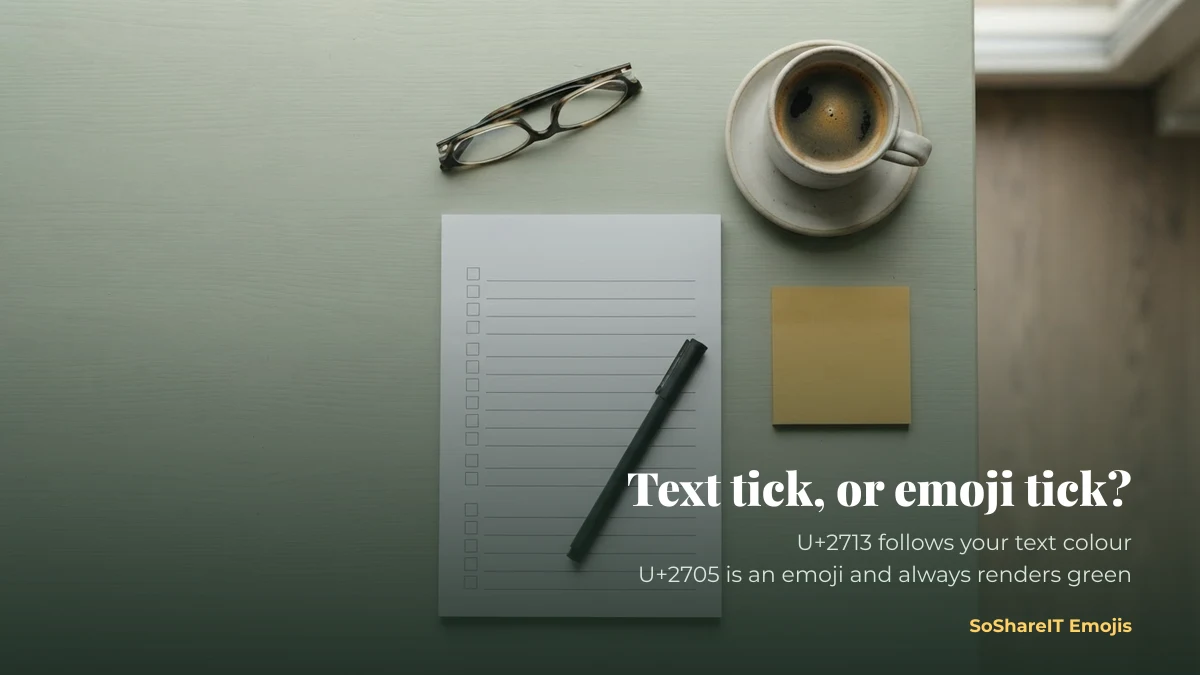
| ✅ | U+2705 | WHITE HEAVY CHECK MARK | An emoji. Always colour artwork, always green-ish, stripped by most game name fields. |
The matching crosses are ✗ BALLOT X (U+2717), ✘ HEAVY BALLOT X (U+2718), ☒ BALLOT BOX WITH X (U+2612) and the emoji ❌ CROSS MARK (U+274C). Pair like with like: ✓ with ✗, ✅ with ❌. Mixing a text tick with an emoji cross is the most common reason a two-column table looks wrong.
Typing a check mark on Windows
Alt codes (numeric keypad required)
Hold Alt, type the number on the numeric keypad, release. This does not work with the number row above the letters, and it needs Num Lock on — which is why alt codes so often “do not work” on a laptop without a keypad.
- Alt + 251 → √ (a square root sign; widely used as a tick because it is easy to type)
- Alt + 10003 → ✓ in applications that accept decimal Unicode input, such as Microsoft Word
- Alt + 10004 → ✔ in the same applications
Word, Excel and PowerPoint
The reliable method in Office is the code-point toggle: type 2713 then press Alt + X, and Word converts the digits into ✓. Replace 2713 with 2714, 2611 or 2717 for the other characters. In Excel, use the Wingdings 2 font and the letter P for a tick and O for a cross — but note this is a font trick, so the character reverts to a letter if the font changes.
The emoji keyboard
Press Windows key + . (full stop) anywhere text can be typed, then search “check”. This inserts the emoji ✅ rather than the text ✓ — convenient, but pick deliberately.
Typing a check mark on macOS
Press Control + Command + Space to open the Character Viewer, then search “check mark”. Double-click to insert, and drag your favourites into the Favourites tray so they are one click away next time.
For a keyboard-only route, System Settings → Keyboard → Text Replacements lets you map a short trigger such as ;tick to ✓. That syncs across your Apple devices, so the same shortcut works on iPhone.
iPhone and Android
Neither system keyboard has a plain-text ✓ — the emoji keyboard offers only ✅ and ❌. The two practical options:
- Copy and paste from a page like this one. Fastest for a one-off.
- Set up a text replacement. On iPhone: Settings → General → Keyboard → Text Replacement, phrase ✓ and shortcut
tick. On Android, the personal dictionary does the same job. After that, typing “tick” produces the character everywhere.
HTML, CSS and documents
| Character | HTML entity | CSS content | Word / Alt+X |
|---|---|---|---|
| ✓ | ✓ | “\2713” | 2713 Alt+X |
| ✔ | ✔ | “\2714” | 2714 Alt+X |
| ☑ | ☑ | “\2611” | 2611 Alt+X |
| ✗ | ✗ | “\2717” | 2717 Alt+X |
In CSS, remember the character must be reachable by the font stack you set; a decorative display font may not include Dingbats, in which case the tick falls back or disappears.
The circled tick ✓⃝, and why it is two characters
There is no single “circled check mark” character in Unicode. The ✓⃝ people copy is built from two: ✓ (U+2713) followed by COMBINING ENCLOSING CIRCLE ⃝ (U+20DD), a mark with no width of its own that draws a ring around whatever precedes it. You can apply it to other characters the same way.
Because the ring is drawn by the font, alignment varies — on a device with weak coverage it can sit off-centre or not appear at all. If you need it to look identical everywhere, use ☑ instead. The decorative “verified” use of this character is covered on verified symbols, including the important part: it is not an account badge.
Where each one survives
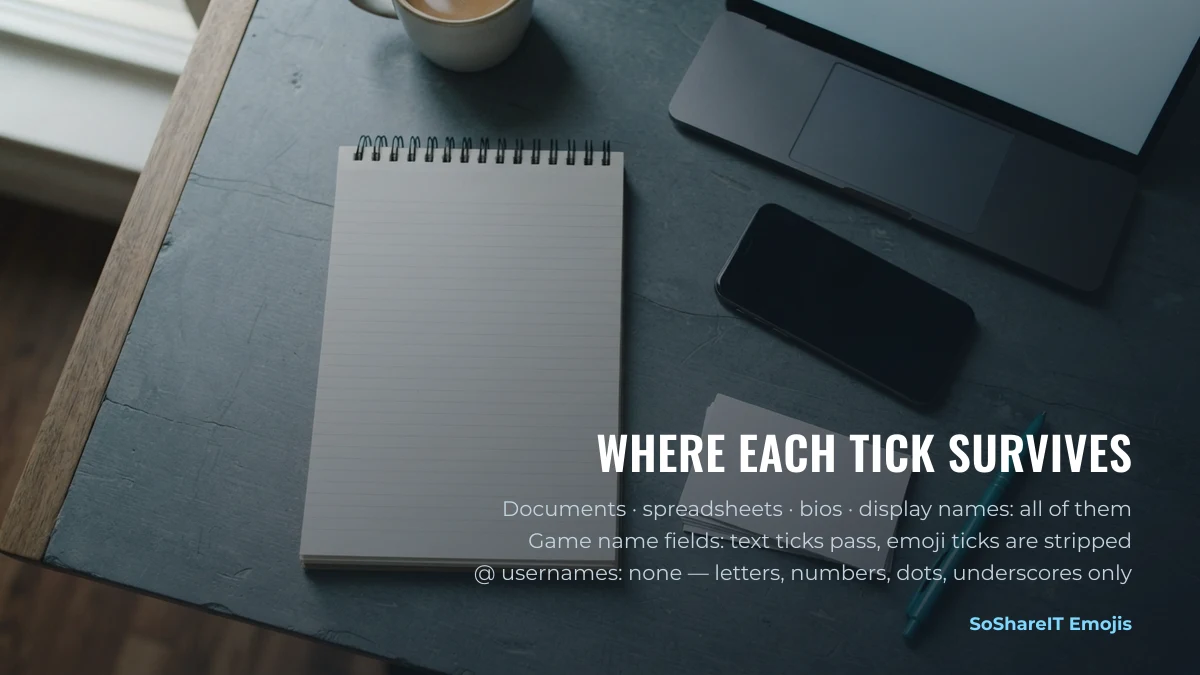
- Documents and spreadsheets: all of them, with the caveat about font-based tricks like Wingdings.
- Social bios and display names: all of them. A TikTok or Instagram @username accepts none — that field is letters, numbers, dots and underscores only.
- Game name fields: ✓ ✔ ☑ ✗ usually pass; ✅ ❌ are emoji and are usually stripped.
- Code and data files: all of them, provided the file is saved as UTF-8.
For decorative tick styling and the honest note about what it does not do, see verified symbols — and SoShareIT Emojis gives hearts, stars and the rest the same treatment.
Ticks used as decoration
Outside forms and checklists, a tick is often just a mark in a bio or a display name. These are the decorated variants people copy for that.
Common questions
Why did my tick turn green?
You used ✅ (U+2705), which is an emoji and is always drawn as colour artwork. Use ✓ (U+2713) for a tick that follows your text colour.
Why do alt codes not work on my laptop?
Alt codes require a physical numeric keypad with Num Lock on. Most laptops do not have one. Use the code-point toggle (type 2713, then Alt + X) in Office, or copy and paste anywhere else.
What is the check mark shortcut in Word?
Type 2713 and press Alt + X. The digits are replaced by ✓. The same works for 2714, 2611 and 2717.
How do I put a tick in an Excel cell?
Paste ✓ directly, or set the cell font to Wingdings 2 and type P. Pasting the real character is safer, because it survives a font change and can be searched for.