Fake blue tick & verified symbols
Verified symbols such as ☑ and ✓⃝ and the blue-tick-style combos on this page are decorations made from ordinary Unicode characters. They do not verify an account on any platform: a real verified badge is added by the platform itself and cannot be typed. Use them as decoration only.
Checked on real iOS, Android and Windows devices · last checked · by the SoShareIT Emojis editorial team
Verified Symbols — copy in one tap
420 kaomojiTry it with your own name
Type a name, copy any style — 24 frames, one tap eachPaste the result into a display name or bio. A TikTok or Instagram @username accepts only letters, numbers, dots and underscores — decorated characters are rejected there.
Where these are accepted
Tested per field — the honest version| App / field | Decoration | Limit | Last tested | What actually happens |
|---|---|---|---|---|
| TikTok username (@handle) | Rejected / stripped | 2–24 characters | August 2026 | Letters, numbers, underscore and dot only, and it cannot start or end with a dot. Decorated characters are rejected outright. |
| TikTok display name | Accepted | No decoration limit found | August 2026 | Accepts symbols, kaomoji and decorated combos. This is the field every "TikTok font" guide actually means. |
| Instagram bio & name | Accepted | Both fields accept decoration | August 2026 | Bio and display name both take decorated characters. The @username does not. |
| Game display names (Roblox, Free Fire) | Rejected / stripped | Emoji stripped; text marks usually pass | Not tested in-game | Colour emoji are stripped from most in-game name fields, while plain marks — ⋆ ★ 𐙚 ୨୧ ✧ — usually survive. Each game runs its own private filter and changes it without notice, so use the rename preview before you confirm. |
| Discord, Telegram, WhatsApp | Accepted | Long combining stacks may be trimmed | August 2026 | Display names and messages accept the full range. Very long combining stacks may be trimmed in narrow layouts. |
Platform filters are undocumented and change without notice, so we re-test rather than copy forward — see how we curate and verify.
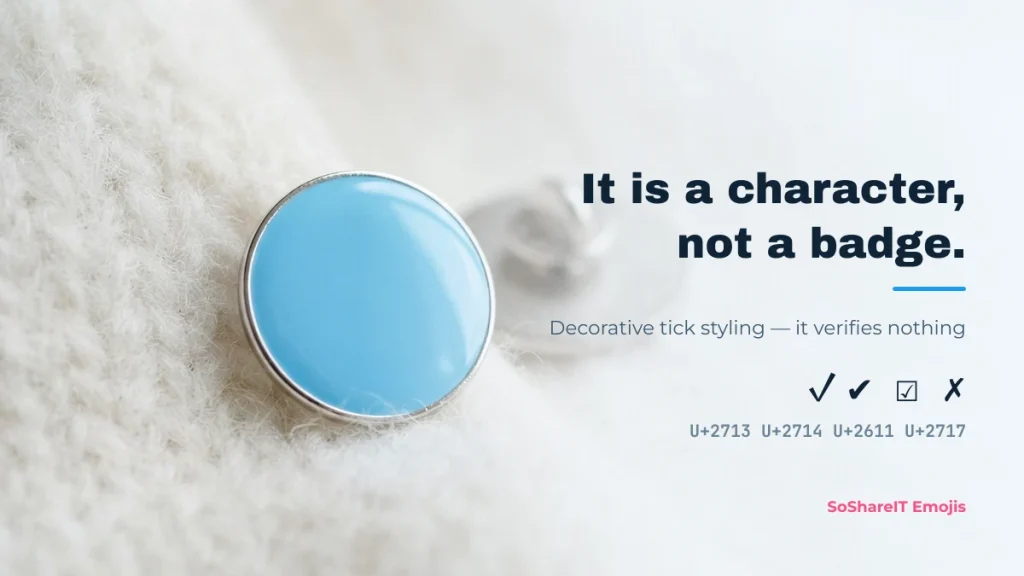
A "verified" or "blue tick" symbol is an ordinary Unicode character shaped like a check mark or a badge. The most-copied one is ✓⃝ — a check mark ✓ (U+2713) followed by COMBINING ENCLOSING CIRCLE ⃝ (U+20DD), which draws a ring around whatever comes before it. It is two characters, which is why some fields render the ring slightly off-centre.
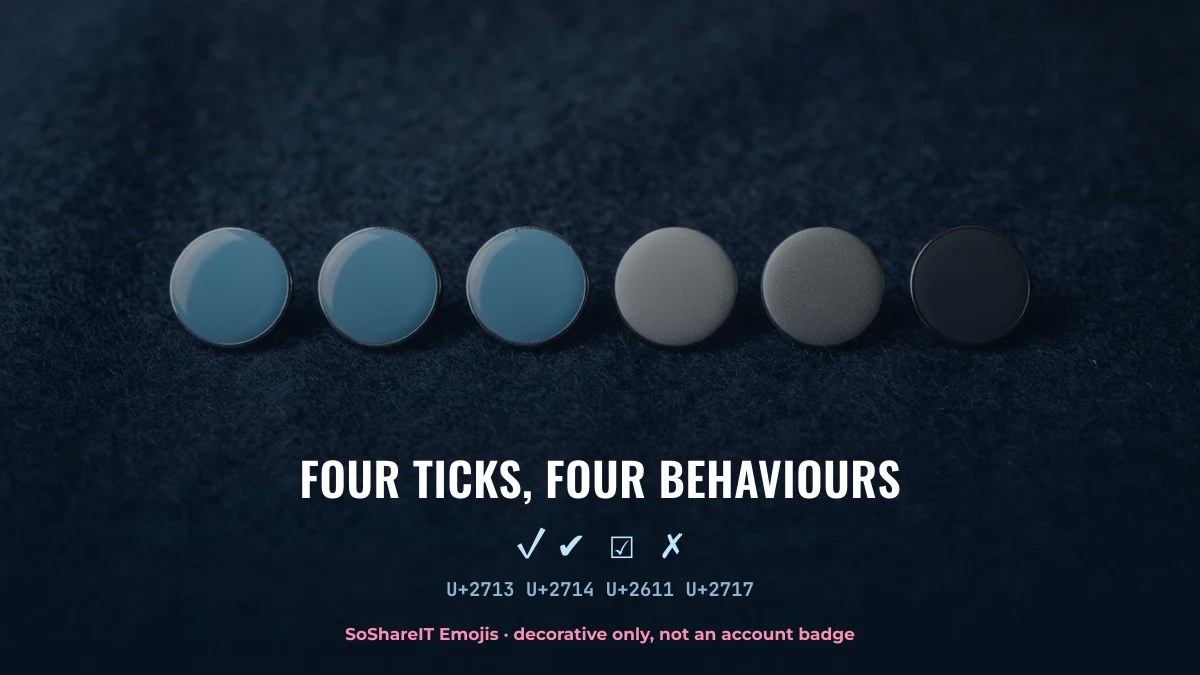
This does not verify anything. Pasting one into a bio or display name does not give you a badge, does not contact any platform, and does not change your account. Real verification is granted only by the platform itself. Anyone selling you a "blue tick character" is selling you a character you can copy free below.
How people use these
- Display name: put ✓⃝ or ☑ after the name for a badge-like look. Accepted on TikTok, Instagram and Discord display names.
- Bio line: use ✔ as a bullet in front of each line instead of a dot.
- Lists and forms: ☑ and ✗ mark done and not-done in plain text, including in spreadsheets and documents.
- Not the @username: a TikTok or Instagram @username accepts only letters, numbers, dots and underscores. No tick will save there.
The blue ✅ is a different character (U+2705, WHITE HEAVY CHECK MARK) and always renders as colour artwork — so a game name field will usually strip it, while the plain text ✓ survives.
How the circled tick ✓⃝ is built
It is not one character. ✓⃝ is a check mark followed by a combining enclosing circle, a mark whose only job is to draw a ring around whatever comes before it.
| Symbol | Code point | What it really is |
|---|---|---|
| U+2713 | Check mark — the base character | |
| U+20DD | Combining enclosing circle — draws the ring | |
| U+2611 | Ballot box with check — box and tick in one | |
| U+2714 | Heavy check mark — text; colour only with U+FE0F | |
| U+2705 | White heavy check mark — emoji, always green |
Because the ring is a combining mark, it can sit off-centre or vanish entirely on a device whose font does not support enclosing marks. The tick underneath is always intact. The full tick reference with alt codes and HTML entities is on check mark symbols.
Symbol meanings
Browse every kaomoji topic and copy in one tap.
Explore topicsMore collections
All articles →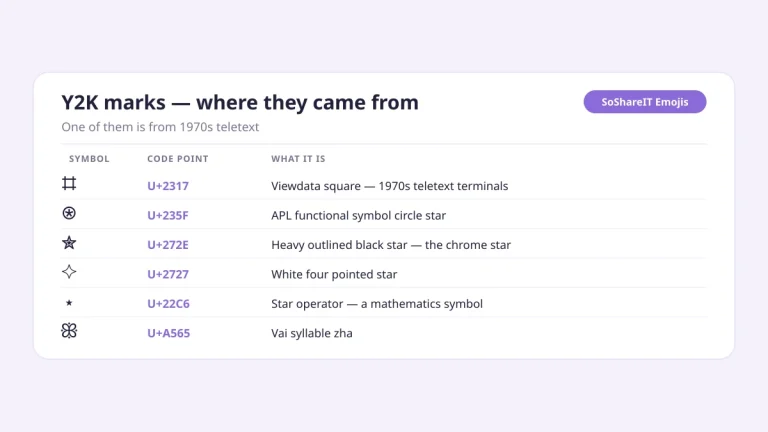 Symbol Collections
Y2K Symbols
Symbol Collections
Y2K Symbols
Stars ⋆ ✮ ✧, chrome sparkles ˚ ⋆ and decorative brackets ꒰ ꒱ — one tap copies them for a TikTok bio, a game…
 Symbol Collections
Kawaii Kaomoji
Symbol Collections
Kawaii Kaomoji
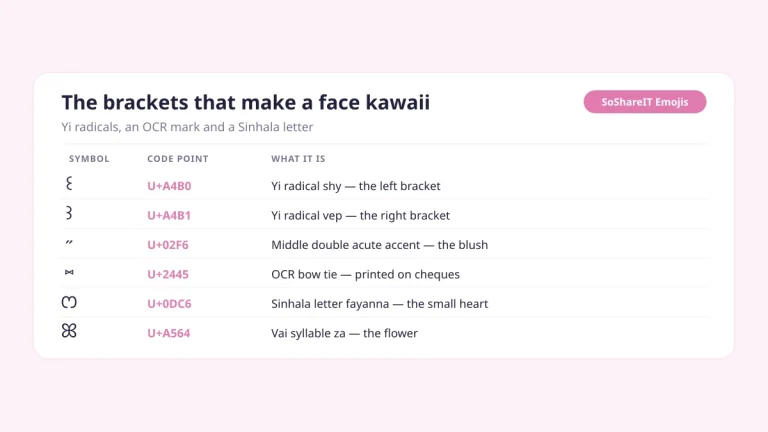
Cute, round kawaii faces (。◕‿◕。) built from eyes, mouths and arms — copy in one tap. The text ones pass a TikTok or Instagram…
 Symbol Collections
Symbols for Names — Frames & Marks to Decorate a Nickname
Symbol Collections
Symbols for Names — Frames & Marks to Decorate a Nickname
Brackets, stars, bows and dividers to wrap around a nickname — ꧁ ꧂ ⋆ ★ ♡ ୨୧ — copy in one tap.
 Symbol Collections
Hello Kitty Symbols
Symbol Collections
Hello Kitty Symbols
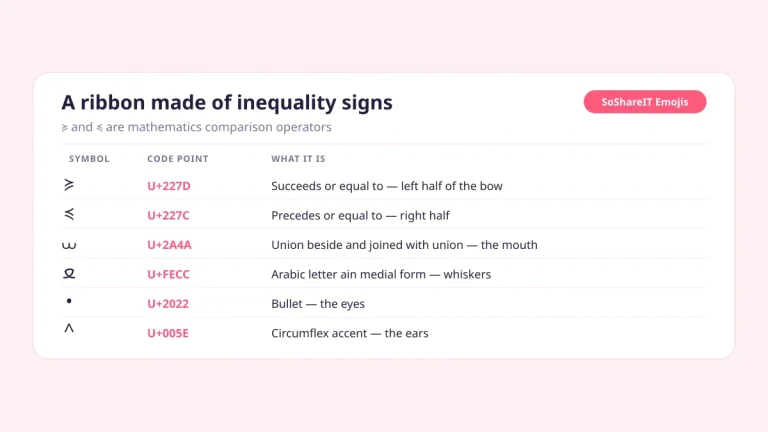
Cat faces framed with a bow ≽ ^•⩊•^ ≼ — every character identified. Text, so they pass a TikTok or Instagram bio and most…
 Symbol Collections
Bunny Kaomoji
Symbol Collections
Bunny Kaomoji
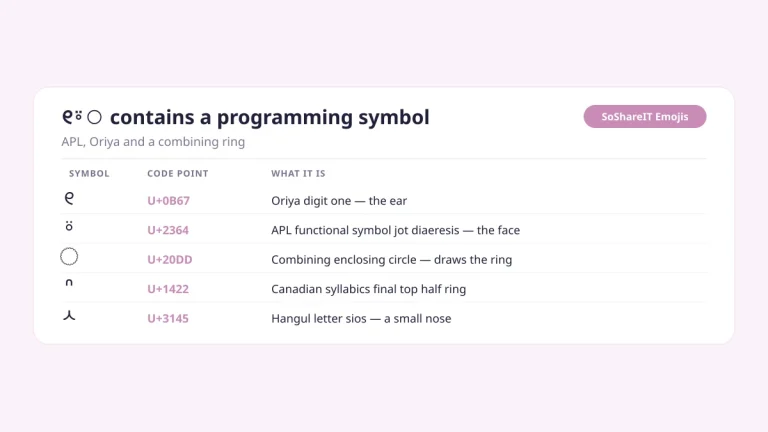
Bunny ears, ribbon bunnies and heart bunnies — copy in one tap. The text ones pass a TikTok or Instagram bio and most Roblox…
 Symbol Collections
Heart Symbols
Symbol Collections
Heart Symbols
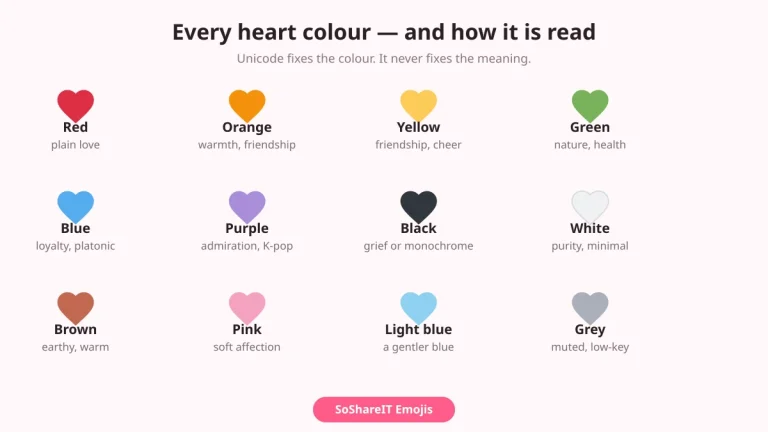
Every heart — ♡ ♥ ❤ ❥ and the full colour set — with code points and what each colour is taken to mean.…